Core Feature
Restore Old Photos
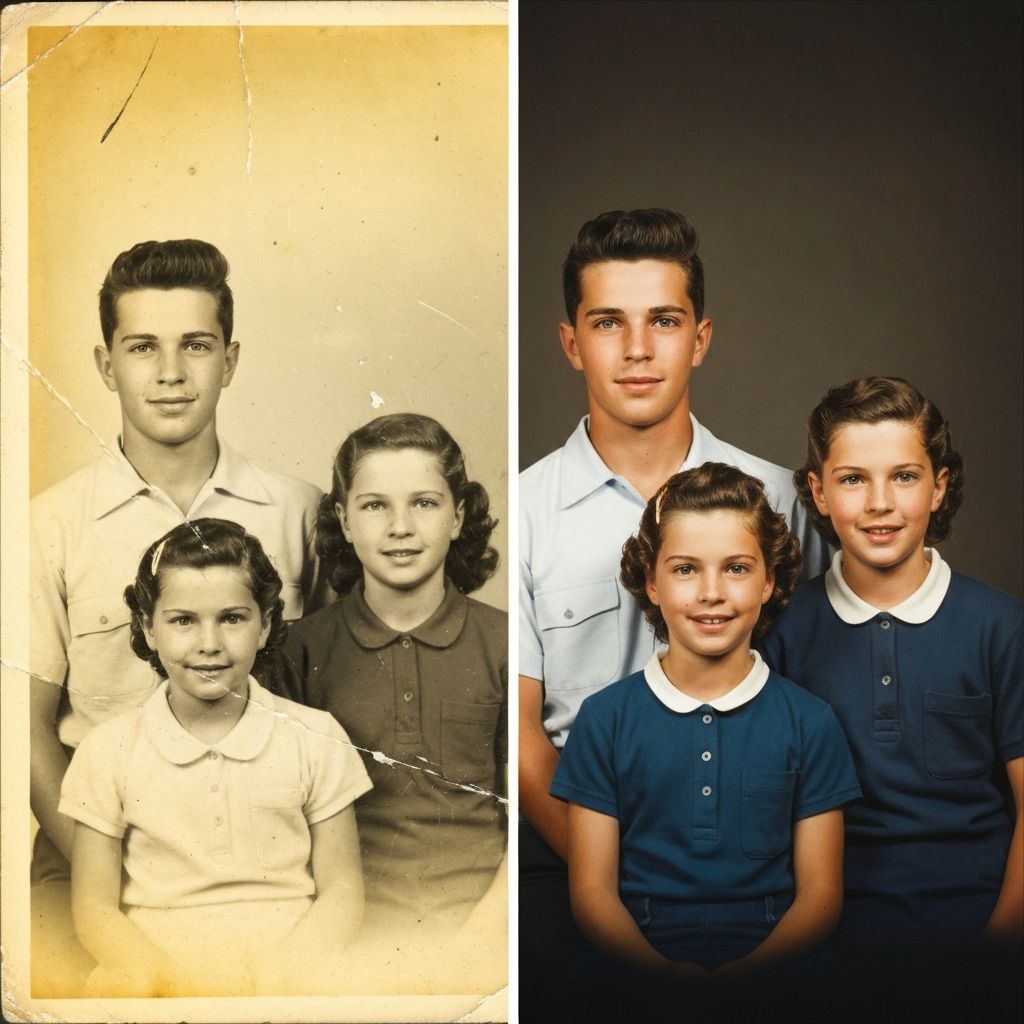
Recover faded, torn, and time-worn photographs with AI precision. Bring back the full detail and clarity of images that once seemed beyond repair.
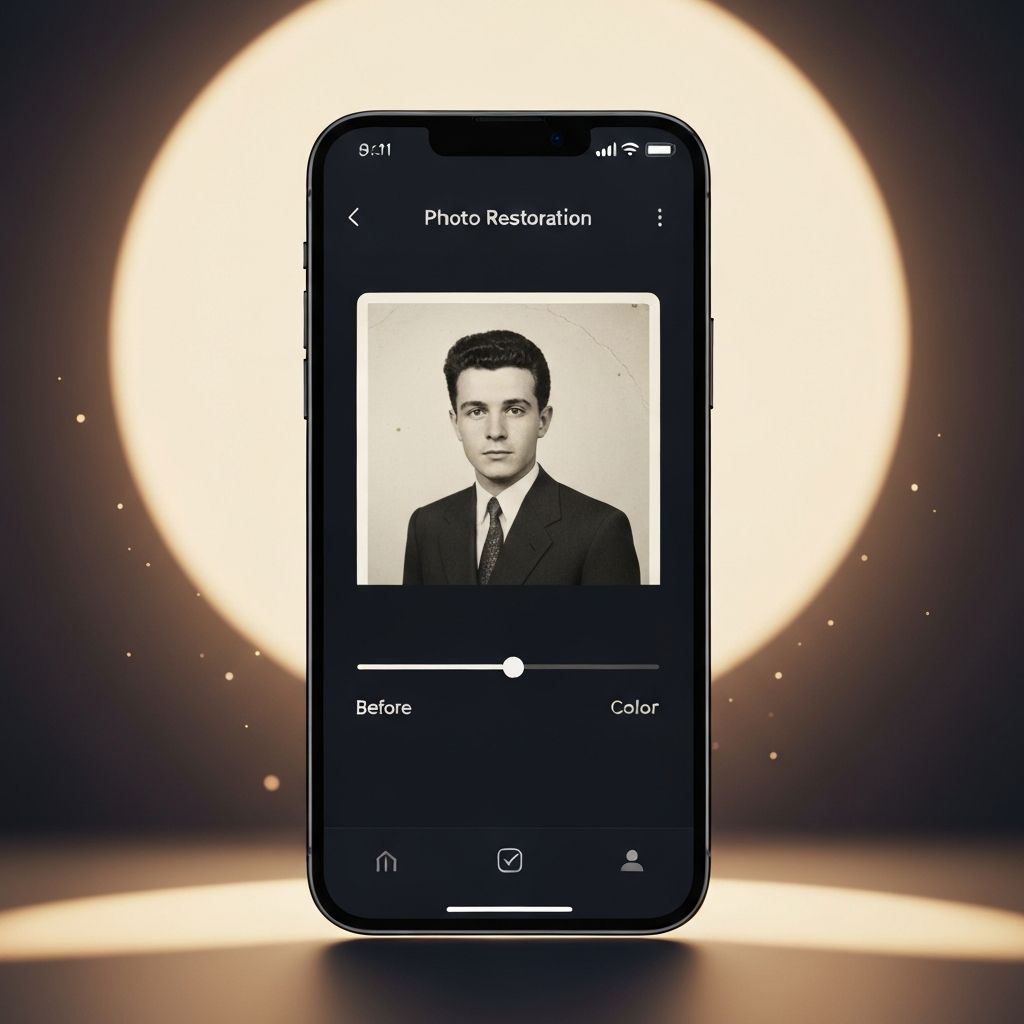
Retro AI uses cutting-edge artificial intelligence to restore damaged photos, colorize black & white images, remove scratches, enhance sharpness, and correct lighting — all on your iPhone.
Powered by advanced AI technology — No account required
6 Powerful Tools
From basic restoration to advanced colorization — Retro AI covers every aspect of bringing damaged and faded photos back to life.
Recover faded, torn, and time-worn photographs with AI precision. Bring back the full detail and clarity of images that once seemed beyond repair.
Transform black & white memories into vibrant, natural-looking color images. Our AI understands historical context to apply accurate, lifelike hues.
Upscale resolution and sharpen blurry, low-quality images up to 4x. Every detail — from facial features to background textures — is recovered with clarity.
Automatically detect and remove scratches, dust, spots, and physical damage from scanned photos and film negatives with surgical accuracy.
Fix overexposed, underexposed, or unevenly lit photos. Retro AI intelligently balances shadows, highlights, and contrast for a naturally perfect result.
Merge multiple damaged fragments or partial photos into one seamless, complete image. Reunite torn or separated pieces of cherished memories.
Simple & Intuitive
No design skills, no complex settings. Just pick your photo and let Retro AI handle the rest. Professional-grade restoration available to everyone.
Pick any old, damaged, or faded photo directly from your iPhone Camera Roll or scan a physical print.
Select from 6 AI-powered restoration tools: restore, colorize, sharpen, scratch removal, lighting fix, or combine.
Our advanced AI model analyzes your photo and applies intelligent restoration in seconds. No manual editing needed.
Export your restored photo in full resolution to your Camera Roll, share with family, or print as a keepsake.
Real Stories
Thousands of people have used Retro AI to rescue irreplaceable memories. Here is what they have to say.
“I found a box of old photos from the 1940s at my grandmother's house. I was shocked at how good the results were — the scratches completely disappeared and the colorization looked absolutely real. My whole family cried when they saw the restored portraits.”
“The lighting correction feature saved photos I thought were lost forever. Dark and underexposed pictures from the 70s now look like they were taken with a modern camera. Incredibly easy to use — no editing experience needed at all.”
“My parents' wedding photos were badly torn and faded. After using the scratch removal and enhancement tools, every detail came back so vividly. I printed them on canvas and gifted to my mom — she was in tears. Worth every penny.”
“I used the photo combining feature to merge two damaged halves of a very old picture. The result was seamless. This app does things I never thought were possible on a phone. Genuinely impressed by the AI quality.”
“Super simple interface and the results speak for themselves. I restored 30 old family photos in an afternoon. The enhance & sharpen tool brings out details you could never see in the original. This is a must-have app.”
“The colorization is jaw-dropping accurate. Black and white photos of my grandfather in WWII now show his uniform in full color with realistic skin tones. It's like stepping back in time. A genuinely moving experience.”
Free to Download
Join thousands of people preserving their family history. Download Retro AI free on the App Store today and start restoring your first photo in minutes.
Available for iPhone • iOS 16.0 or later required • No account needed